Anyone Can Email as Your CEO: Spoofing, SPF, and How to Shut It Down
On this page
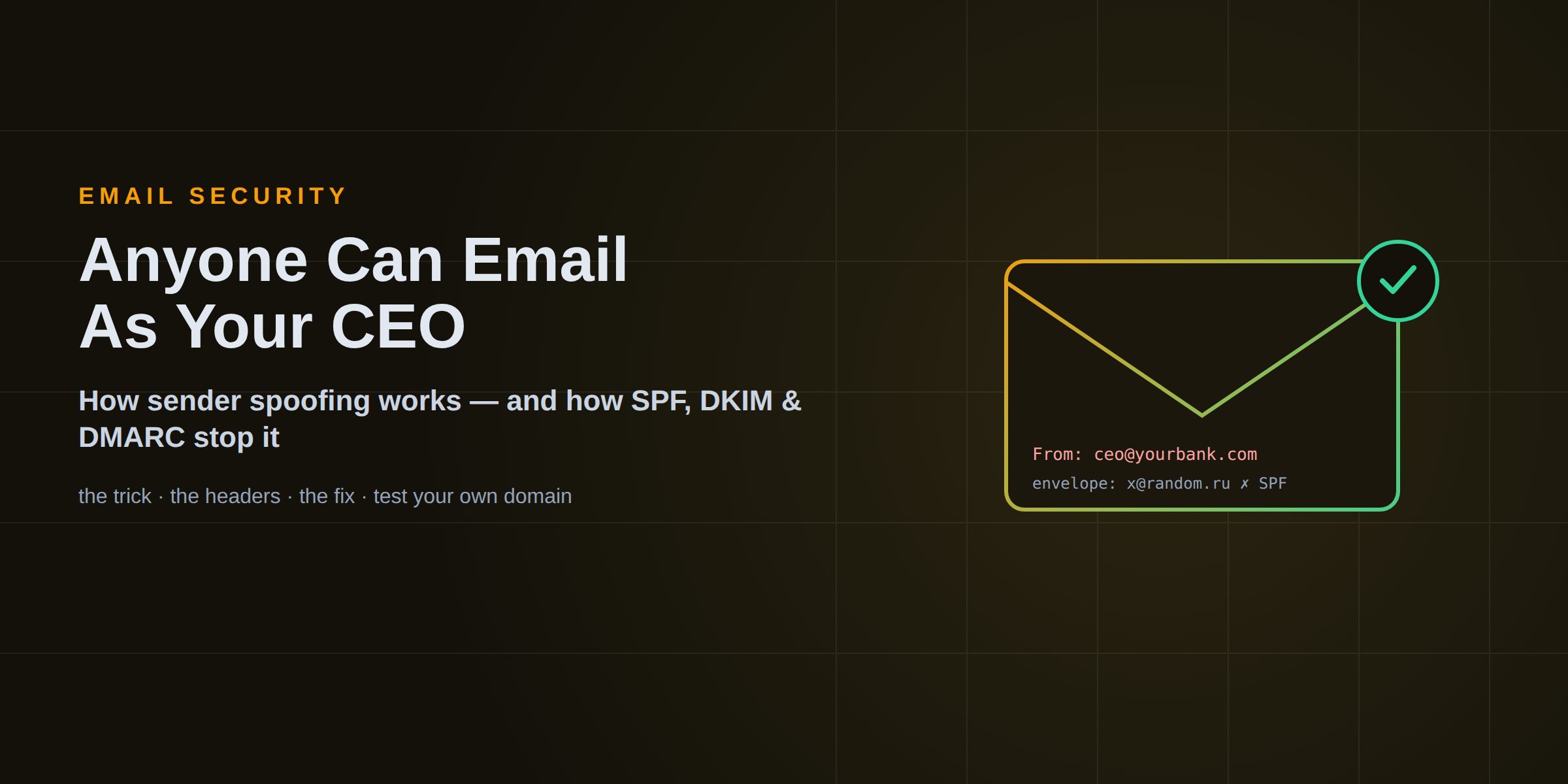
Here’s an uncomfortable demo you can reason through without touching a keyboard. There are free websites — emkei.cz is the one everyone knows — that present a little form: To, From, Subject, Message. You type whatever you want in the From box — ceo@yourbank.com, it-support@yourcompany.com, anyone — hit send, and the email goes out claiming to be from that person. No password, no access to their mailbox, nothing. These “online fake mailers” exist to make a point that email security people learned the hard way: the From address on an email is about as trustworthy as the return address scribbled on a postcard.
I’m writing this from the defender’s side. Understanding why this works, and seeing how trivially a web form can forge a sender, is exactly what makes you take SPF, DKIM and DMARC seriously — and those three, configured properly, are what turn “anyone can email as your CEO” into “that forgery lands in junk, or never arrives at all.” Let’s pull it apart and then lock it down.
Scope: everything here is for understanding the threat and hardening your own domains. Test against domains you control. Sending forged mail impersonating others isn’t a prank — depending on where you are and what you do with it, it’s fraud.
Why it’s this easy: SMTP never asked
Email runs on SMTP, a protocol from 1982, built by a small community who trusted each other. It was never designed to verify identity. The thing that makes spoofing trivial is a quirk most people never notice: an email has two different “from” addresses, and the one you see is not the one the mail system uses to deliver.
The spoof is simply: put ceo@yourbank.com in the header From (what the victim sees), while the envelope comes from wherever the attacker is actually sending. Classic SMTP does nothing to stop that mismatch. That gap is the entire reason the three email-authentication standards exist.
The three guards: SPF, DKIM, DMARC
Over the years the industry bolted authentication on top of SMTP. Three layers, each closing part of the gap:
- SPF (Sender Policy Framework) — you publish, in DNS, the list of mail servers allowed to send for your domain. The receiver checks the envelope sender’s IP against that list. Its weakness: it checks the envelope, not the visible From, and it breaks when mail is forwarded.
- DKIM (DomainKeys Identified Mail) — your sending server adds a cryptographic signature; the receiver verifies it against a public key you publish in DNS. Tamper-evident and survives forwarding, but on its own it doesn’t say anything about the visible From either.
- DMARC — the glue. It says: for mail claiming to be from my domain, require SPF or DKIM to pass and to align with the visible From domain; if that fails, here’s what to do (
none,quarantine, orreject), and here’s where to send me reports. Alignment with the From the human sees is the piece that actually defeats the fake-mailer spoof.
Catching a spoof: read the header
When a suspicious email lands, the truth is in the headers, specifically the Authentication-Results line your mail system stamps on. This is the single most useful habit for any analyst triaging reported phishing. A clean, legitimate message looks like:
Authentication-Results: mx.google.com;
   spf=pass (google.com: domain of newsletter@realsender.com designates 203.0.113.9 as permitted sender)
       smtp.mailfrom=newsletter@realsender.com;
   dkim=pass header.d=realsender.com;
   dmarc=pass (p=REJECT) header.from=realsender.com
A spoof of your domain, by contrast, gives itself away:
Authentication-Results: mx.yourcompany.com;
   spf=fail (sender IP is 198.51.100.44)
       smtp.mailfrom=bounce@some-random-host.ru;   <-- envelope ≠ the From you see
   dkim=none;
   dmarc=fail (p=QUARANTINE) header.from=yourbank.com
What to scan for, in order:
dmarc=—failon a message claiming your domain is the loudest signal.passis reassuring;nonemeans the domain published no policy.spf=and thesmtp.mailfrom— does the envelope domain match the visible From? AFrom: ceo@yourbank.comwithsmtp.mailfrom=x@random.ruis the postcard tell.dkim=—noneorfailon a brand that should be signing is suspicious.Received:chain — read bottom-to-top; the earliest hop shows where it really originated, not where it claims to.
Header, not display name: the easiest spoofs don’t even forge the domain — they just set the display name to “Yousef Majeed” while the actual address is
attacker@gmail.com. Always expand the real address, and never trust the name your client shows in bold.
Test your own domain before someone else does
Here’s the empowering part. You can check, in under a minute and completely safely, whether your domain is a soft target — using nothing but DNS lookups against domains you own.
1. Do you even have the records?
# SPF — look for a "v=spf1 ... " TXT record
dig +short TXT yourdomain.com | grep spf1

# DMARC — published at the _dmarc subdomain
dig +short TXT _dmarc.yourdomain.com

# DKIM — needs the selector your mail provider uses (e.g. "selector1" for M365, "google" for Workspace)
dig +short TXT selector1._domainkey.yourdomain.com
2. Read what they say. A strong posture looks roughly like:
yourdomain.com.        TXT  "v=spf1 include:spf.protection.outlook.com -all"
_dmarc.yourdomain.com. TXT  "v=DMARC1; p=reject; rua=mailto:dmarc@yourdomain.com; pct=100"
The two things that matter most: SPF ends in -all (hard fail, not ~all softfail or ?all neutral), and DMARC policy is p=reject (or at least quarantine) rather than p=none. A domain sitting on p=none with no SPF is wide open — anyone with that web form can impersonate it and most receivers will deliver it.
3. Send yourself a test. Mail a message from your real sending platform to a free analyser like mail-tester.com or to a Gmail account, open the full headers, and confirm spf=pass, dkim=pass, dmarc=pass with everything aligned. That proves your legitimate mail authenticates — which you must verify before you tighten policy, or you’ll block your own invoices.
Harden it: the rollout that won’t break your mail
The reason so many domains linger on p=none is fear of blocking real mail. The safe path is gradual, and it’s the same discipline as any production change — measure, then enforce. (I walked through the M365 side of this in my Microsoft 365 hardening checklist; here’s the vendor-neutral version.)
- Publish SPF and DKIM for every system that legitimately sends as you — your mail platform, your marketing tool, your ticketing system, your invoicing app. The commonest cause of self-inflicted failures is a forgotten legitimate sender.
- Start DMARC at
p=nonewithrua=reporting. This changes nothing for delivery but starts the flow of aggregate reports telling you who’s sending as your domain. - Read the reports and fix. Use a DMARC report reader; repair any real senders that fail alignment until the only failures left are the spoofers.
- Move to
p=quarantine, thenp=reject. Usepct=to ramp gradually if you’re cautious. End state: a forged email claiming your domain is rejected outright by every compliant receiver.
The payoff: once you’re at
p=rejectwith SPF-alland DKIM in place, that free web form can still type your CEO’s address — but the message gets refused or binned at the recipient’s gateway. You can’t stop anyone from filling in a form; you can make the result harmless.
The honest limits
Email authentication defeats exact-domain spoofing — forging yourbank.com itself. It does not stop everything, and pretending otherwise gets people phished:
- Look-alike domains.
yourbank-support.comoryourbamk.comwill happily pass their own SPF/DKIM/DMARC. Authentication proves a message really came from the domain it claims — it can’t tell you that domain isn’t a trap. Register the obvious look-alikes, and detect the rest. - Compromised real accounts. If an attacker is sending from a genuinely logged-in mailbox, the mail authenticates perfectly, because it is legitimate at the protocol level. That’s a BEC/account-takeover problem, handled with MFA and anomaly detection, not SPF.
- The human. Authentication is one layer. Analyst header-reading, user training, and attachment/link scanning carry the rest.
So: DMARC at reject makes impersonating you hard, which is a huge win and removes an entire class of attack. Pair it with look-alike monitoring, account protection, and people who know to open the header before they trust the name — and the fake-mailer’s party trick stops being funny.
Start by checking your own domain with the three dig commands above. If DMARC comes back empty or p=none, you’ve just found your most valuable hour of work this week. The DMARC.org resources and Microsoft’s email authentication documentation are the references I’d keep open while you do it.