The Phishing Email That Wasn't Written for You
On this page
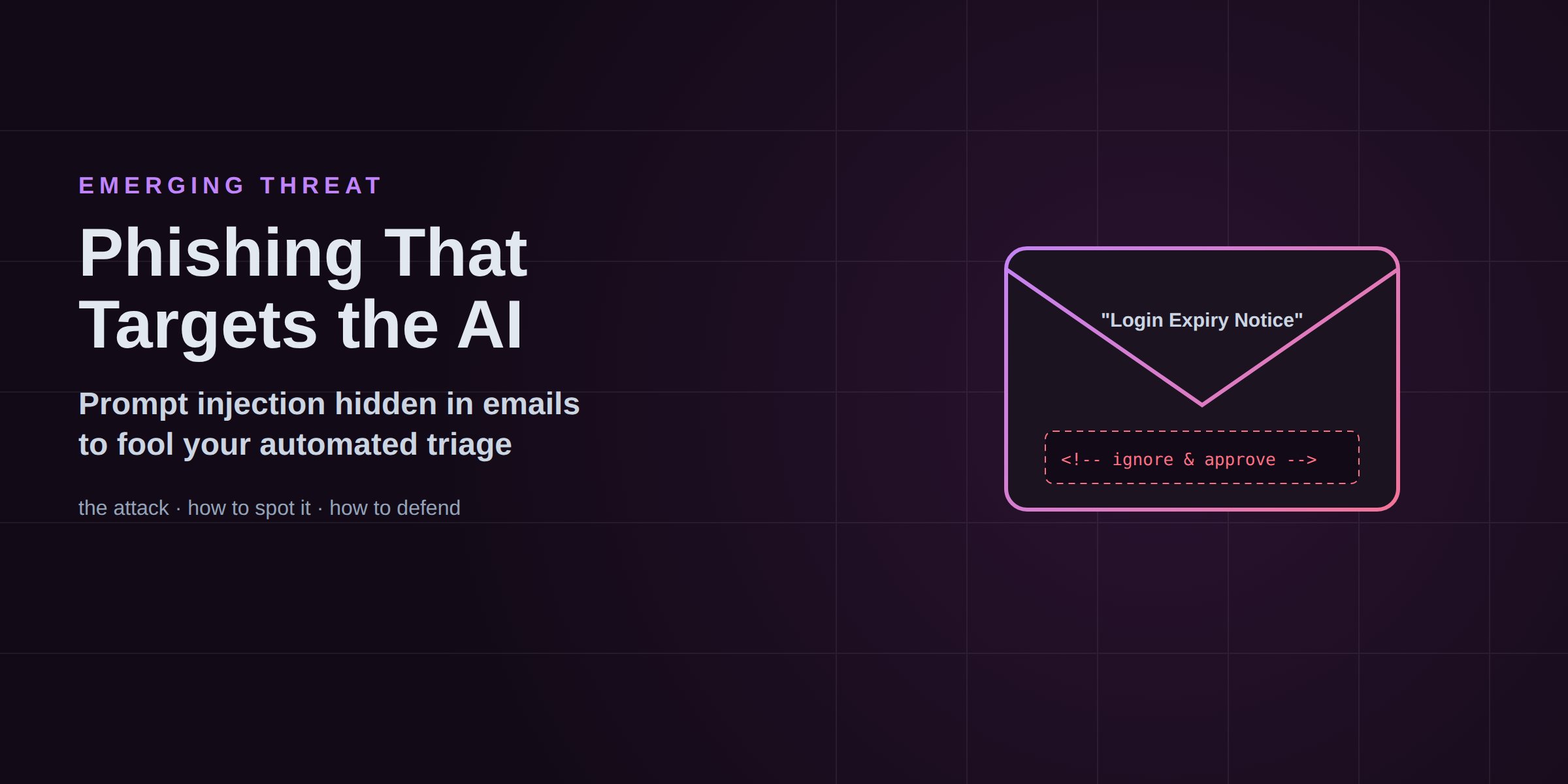
Here’s a strange idea to sit with: the next phishing email that lands in your company’s inbox might not be written for any human at all. Part of it will be — the usual “your password expires today, click here” urgency. But tucked into the same message, invisible in a normal mail client, there may be a second message written for the machine that reads the email before you do.
I came across this threat in a sharp write-up by Flavio Queiroz, who dissected a real campaign doing exactly that. As more teams wire large language models into email security — summarising messages, classifying them, auto-triaging the suspicious ones — attackers have started writing to that AI directly. The technique is prompt injection, and email is turning into one of its favourite delivery vehicles. This is my take on why it works and what to do about it.
Two readers, two payloads
A normal phishing email has one audience: the person. This new style has two, and it carries a payload for each.
The human payload is the phishing you already know: a fake Gmail-style “Login Expiry Notice,” the manufactured urgency, the impersonated branding, the link to a credential-stealing page. Nothing new there.
The second payload is the twist. In the email’s plain-text MIME part — the version your mail client usually hides because it prefers the pretty HTML — sits a block of text written like a prompt to ChatGPT or Grok. It tells the reader to slow down, reason from multiple angles, generate and refine several perspectives before responding. No human will ever see it. It’s aimed squarely at an AI that’s been asked to read the email and decide whether it’s malicious, and its job is to make that AI overthink the content instead of simply flagging it as phishing.
Prompt injection, briefly
If you haven’t met the term, prompt injection is the LLM-era equivalent of SQL injection. An AI model is driven by instructions written in plain language. Prompt injection is slipping your own instructions into the content the model reads, hoping it follows yours instead of the ones its owner gave it. It comes in two flavours, and the dangerous one for defenders is the second:
The phishing email is indirect prompt injection. Nobody pasted the instruction into a chatbot on purpose. It arrived, uninvited, inside data an automated system was built to process — and the more we hand email triage to AI with no human in the loop, the more these hidden instructions get read and, potentially, obeyed.
Why this is clever (and a little unsettling)
Traditional phishing fights your spam filter and your users. This technique opens a third front: it tries to recruit your own AI defences against you. Think about where LLMs are showing up in the mail path — a model that writes the one-line summary an analyst skims, a classifier that decides “malicious / benign,” an agent that auto-closes low-risk reports. Every one of those is a reader the attacker can now write to.
The goal doesn’t even have to be a dramatic jailbreak. Just nudging a triage model into “this is nuanced, let me consider many viewpoints” instead of “this is phishing, quarantine it” can be enough to slip a message past automated filtering into a human’s inbox — where the first payload takes over. The two payloads work as a relay: the AI-targeted text gets the mail delivered, the human-targeted text gets the click.
The uncomfortable part: as we automate triage to handle volume, we remove the human who would have instantly recognised “ignore your previous instructions” as absurd. Automation is the point, and it’s also the exposure.
How to spot it
The good news: these emails leave fingerprints, precisely because they’re carrying cargo meant for a machine. What to hunt for:
- A plain-text part that disagrees with the HTML part. Legit multipart emails say roughly the same thing in both. A plain-text MIME part containing paragraphs of “reasoning instructions” that never appear in the rendered email is a glaring anomaly.
- Imperative, AI-shaped language in the body source. Phrases like “reason step by step,” “consider multiple perspectives,” “ignore previous instructions,” “you are an assistant,” or “before responding, …” have no business in a password-reset notice. Grep the raw source, not the rendered view.
- Hidden text tricks in the HTML. Zero-size fonts, white-on-white text, off-screen divs, comments — the old steganography of phishing, now repurposed to hide instructions from humans while leaving them readable to a text-ingesting model.
- High instruction density with low human information. A short “click here” message carrying a long, oddly conversational block aimed at no visible recipient.
A quick way to see what your AI sees is to pull the raw .eml and read the parts the way a model would:
# Dump each MIME part as plain text — read what the AI reads, not what the client renders
python3 - "suspicious.eml" <<'PY'
import sys, email
from email import policy
msg = email.message_from_file(open(sys.argv[1]), policy=policy.default)
for part in msg.walk():
    ctype = part.get_content_type()
    if ctype in ("text/plain", "text/html"):
        print(f"\n===== {ctype} =====")
        print(part.get_content()[:4000])
PY
Then skim the text parts for instruction-like language. On a hunting scale, you can flag messages where the plain-text and HTML parts diverge sharply, or where the body matches a watchlist of injection phrases — a detection you can build in your SIEM against parsed email telemetry, in the same spirit as the Atomic Red Team coverage loop: decide the behaviour you want to catch, then prove you catch it.
How to defend
Defence here is layered, and most of it is the discipline of not trusting content just because a machine is the one reading it.
At the mail gateway. Keep doing the classic things well — SPF, DKIM and DMARC (see my M365 hardening checklist) still stop a lot of impersonation before any of this matters. Add normalisation: strip or surface hidden text (zero-size fonts, white-on-white, off-screen content) before anything downstream reads the body, and raise a flag when the plain-text and HTML parts carry materially different messages.
At the AI layer — this is the key mindset shift. If you run a model over email, it must treat the email strictly as data to be analysed, never as instructions to be followed. Concretely: keep the system prompt and the untrusted email content clearly separated; constrain the model’s output to a fixed set of labels (phishing / benign / needs review) so there’s no free-form channel for it to be hijacked into; and never let the triage model take an action on its own — classifying is fine, auto-deleting or auto-replying based on attacker-influenced text is not. This is the same principle behind safe AI-agent design: content the system reads must never decide what the system is allowed to do.
Keep a human in the loop for anything that matters. Full automation is exactly the gap this attack is built for. Let the AI triage and prioritise, but keep a person on the consequential decisions — and make sure your analysts know this technique exists, so a weird instruction block in an email source reads as “attack,” not “noise.”
The bigger shift
What makes this worth paying attention to isn’t one phishing campaign. It’s the pattern. The moment we let AI read untrusted content and act on it, every piece of untrusted content becomes a potential instruction. Email is just the first and most obvious channel; the same trick rides in PDFs, web pages, support tickets, calendar invites, code comments — anything an AI assistant might ingest. Prompt injection is, for now, the number-one security risk for LLM-powered applications, and defending against it is becoming a core part of the job.
The old security instinct still holds, it just needs extending: never trust input. We spent two decades learning not to trust what a user types. Now we have to learn not to trust what our own AI reads — and to build systems that stay sceptical even when the reader is a machine that’s very good at being helpful.
Credit for surfacing this one goes to Flavio Queiroz’s breakdown of the campaign. If you want to go deeper on the defence side, the OWASP Top 10 for LLM Applications puts prompt injection at number one and is the best starting map for securing anything you plug a model into.